
Free Trial
Try IPTV UK 4K before you subscribe
Request a free trial on WhatsApp and test the service on your own device and connection before choosing a plan.
Yes — IPTV UK 4K offers a free trial. Message us on WhatsApp, and no payment details are needed to request it. Once you've tested it, compare the 1, 3, 6 and 12 month plans.
Request Free Trial on WhatsAppHow the free trial works
- 1Message us on WhatsApp with the free trial request
- 2We'll confirm trial availability and any details we need from you
- 3Set up IPTV UK 4K on your device using our guidance
- 4Test streaming quality and channels on your own connection before you pay
Devices
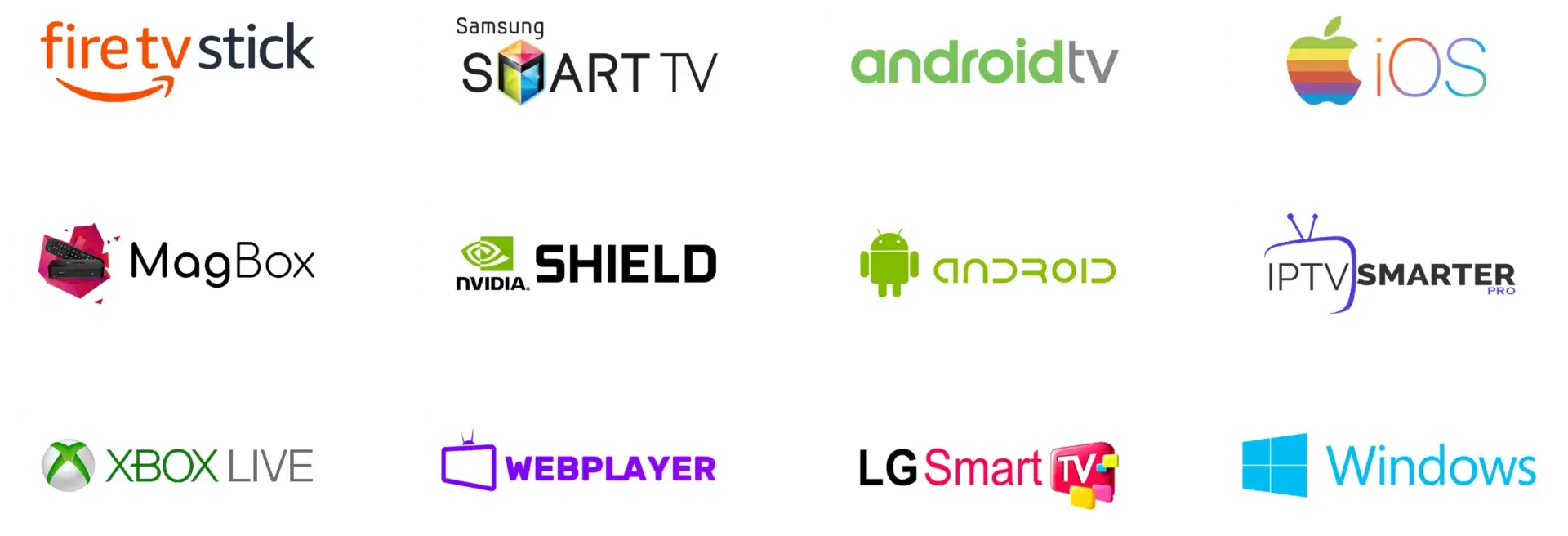
Try it on the device you'll actually use
Why Try First
Why request a trial first?
- Confirm channel availability and picture quality on your own connection
- Check that IPTV UK 4K works well on your specific device
- Ask our team questions directly before paying for a plan
- Decide with confidence which plan length suits you
Trial FAQ
Free trial questions
How do I request a free trial?
Tap the free trial button on this page, or message us on WhatsApp with "I'm interested in UK server trial". Our team will take it from there.
Do I need to pay anything for the trial?
No payment details are needed to request a trial. If you decide to continue afterwards, you'll choose a plan and arrange payment directly with our team on WhatsApp.
What should I check during my trial?
Test the channels you watch most, try your main device (such as a Fire TV Stick or Smart TV), and check picture quality and stability on your own internet connection.
What happens after the trial?
If you're happy with the service, message us on WhatsApp to choose a plan from our pricing page. If it's not right for you, there's no obligation to continue.